Grow following

Get seen. Then the money has somewhere to land.

You already know you want to earn. First you need people who show up for you. These tools cover the line that stops the scroll, the topic while it is still rising, the draft, the numbers, and the day it goes out.

Try for free

Why

A bigger audience is what makes getting paid possible.

How

Three moves. Then you post.

01

Open on a line they feel.

The first three seconds decide if anyone stays. Write that line before you pick up the camera.

02

Make it while it is rising.

Catch the topic in your niche before the comment section has already moved on.

03

Put it on a day.

A draft becomes a post when it has a date. The calendar is where that date lives.

What

The tools that do this.

01

Hook Lab

Opening lines built to stop the scroll.

Describe the video, pick the platform — YouTube, TikTok, Reels, or a post — and Hook Lab writes the first line. It works from six formulas creators actually use: a challenge, a surprise, a curiosity gap, a specific number, a story, and a direct benefit. Say the hook on camera. Show it. The rest of the video only exists if this line holds.
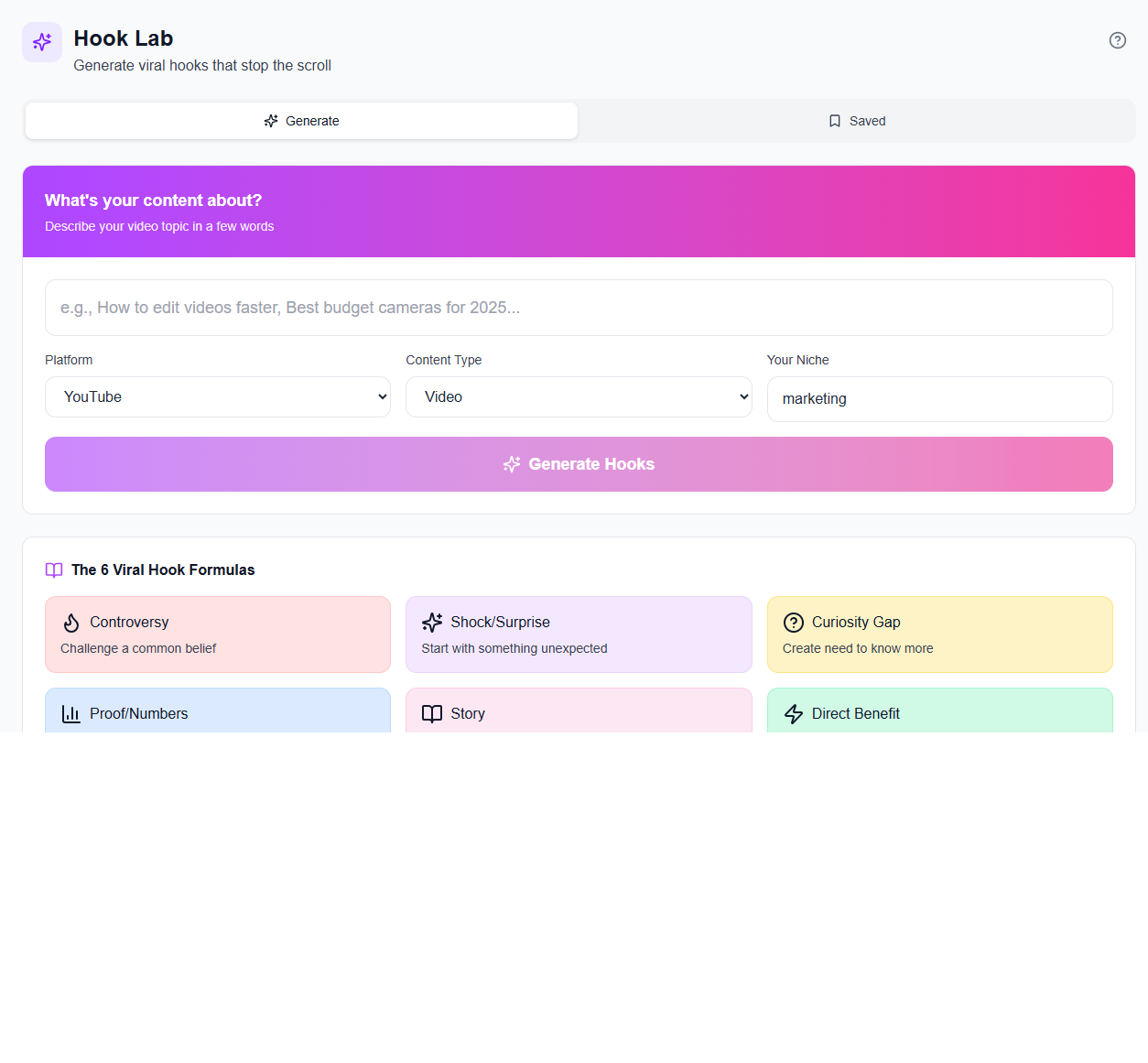
Hook Lab in iBuildInfluence

02

Trend Scout

What is rising, while you can still film it.

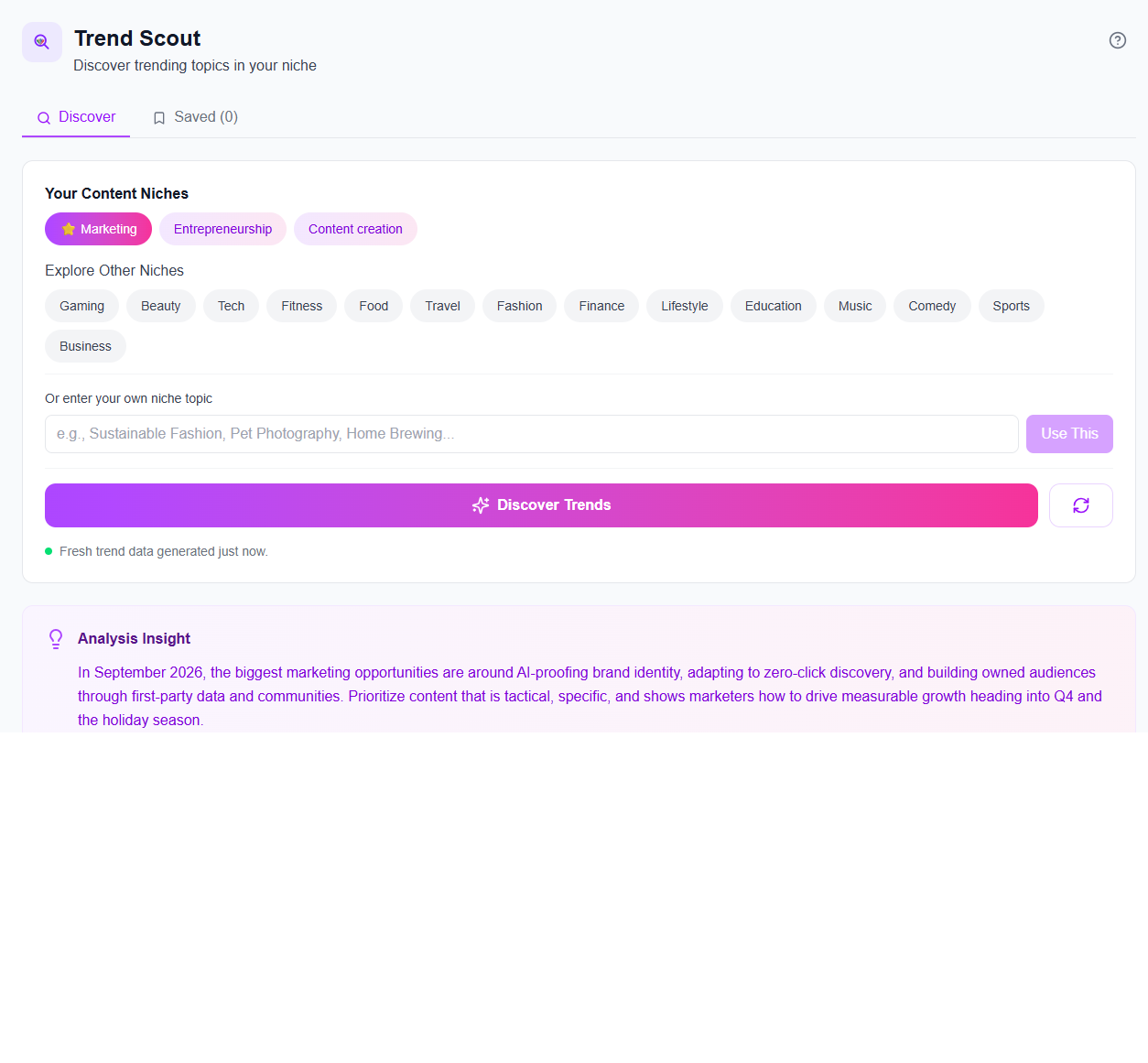
Pick a niche — tech, fitness, beauty, business, or your own — and Trend Scout looks for topics people are already searching. Save the ones worth making. A post about yesterday’s topic is already late. This is how you catch the one that is still climbing.

Trend Scout in iBuildInfluence

03

Content Generator

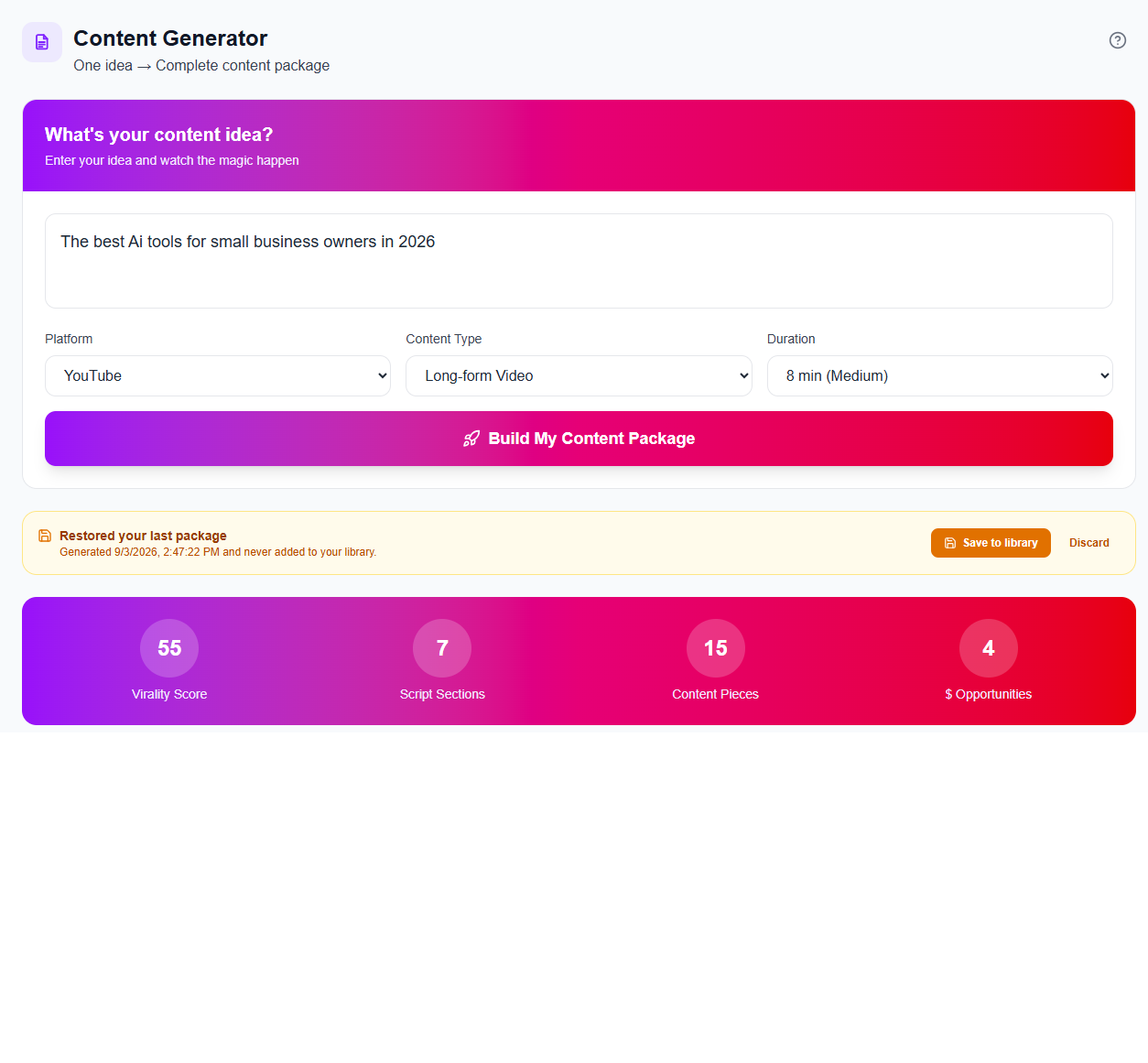
One idea, turned into a full package.

Type the idea. Choose the platform, the format, and the length. Content Generator builds the package around it: the angle and the draft, ready for you to put in your own voice. You start from a piece of work, and you shape it until it sounds like you.

Content Generator in iBuildInfluence

04

Social Statistics

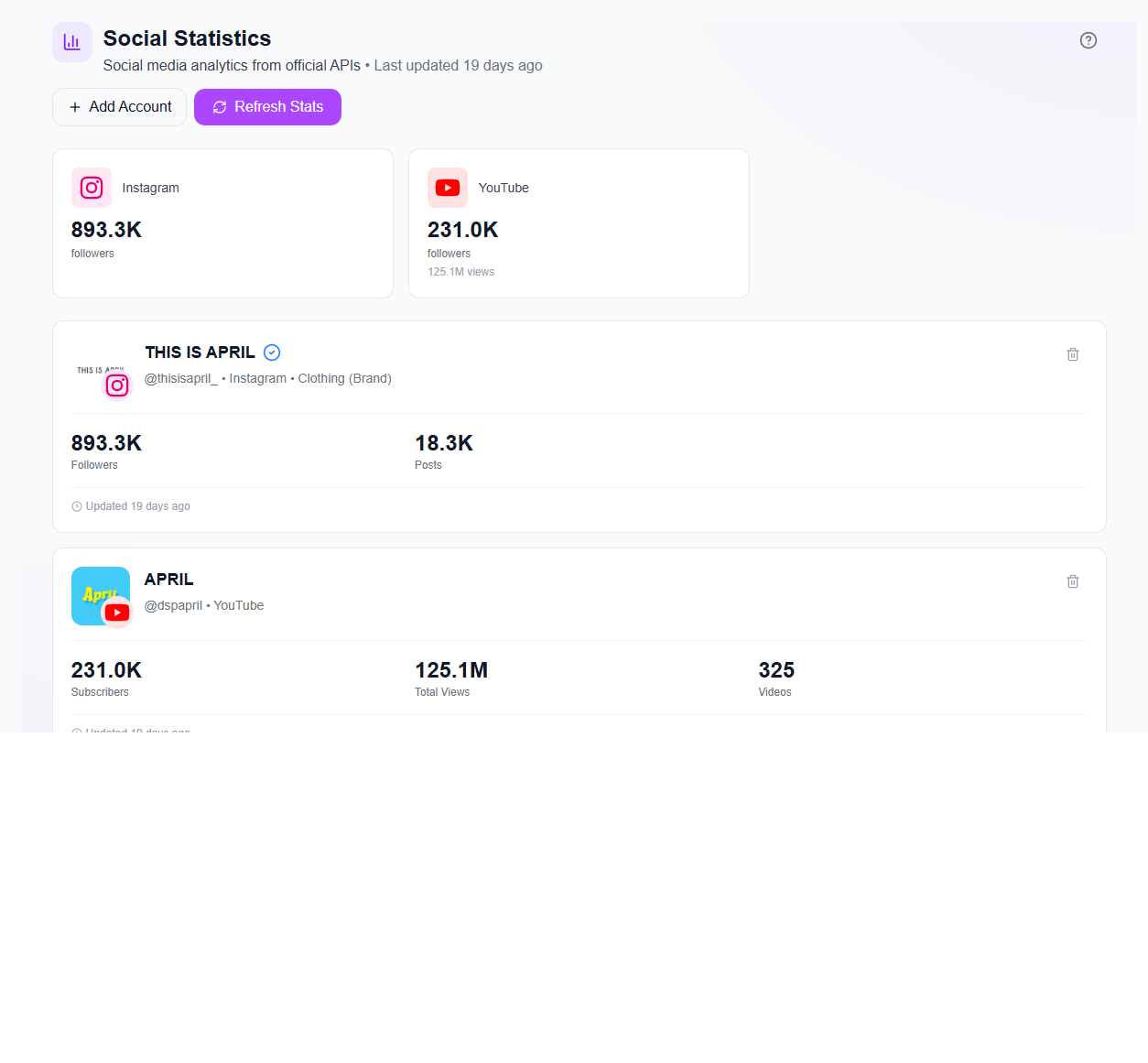
What already worked, from the real accounts.

Paste an Instagram, YouTube, or TikTok link and the handles come in. Stats refresh from the official sources, so the next post leans on what your audience already stayed for. The guesswork moves out of the spreadsheet and into the same place as the rest of the work.

Social Statistics in iBuildInfluence

05

Creator Calendar

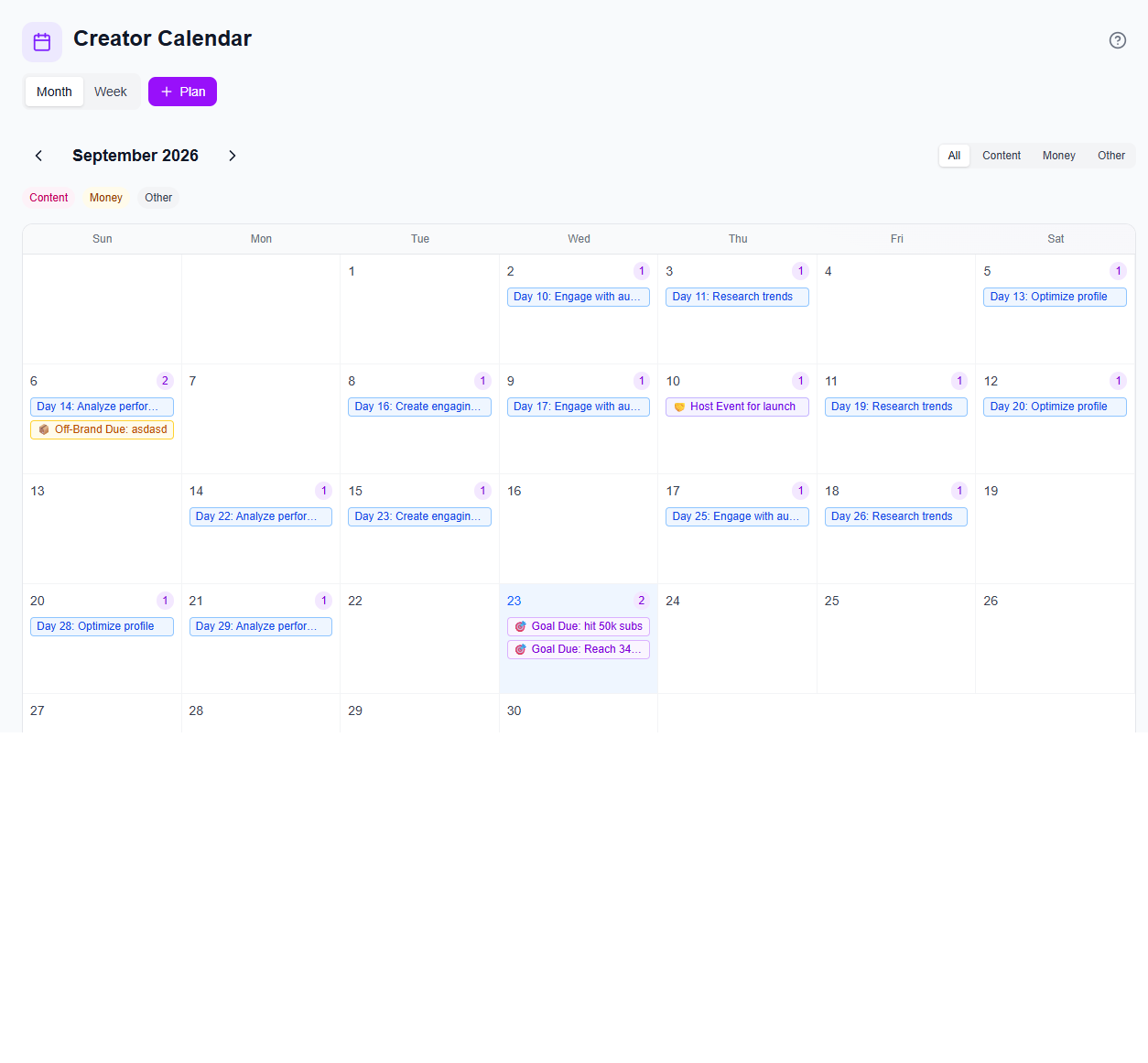
The day it actually goes out.

Month or week. Content, money, and the other deadlines on one grid. Pipeline go-live dates, invoices, brand payments, and follow-ups land on the day they belong to. Hit Plan when a post needs a date. If it is on the calendar, it has a chance of going out.

Creator Calendar in iBuildInfluence

Open it and try the first one.

The tools are as free as they can be. We get paid when you get paid.

Try for free