Your roadmap

You do not need the whole craft. You need what is next.

A home screen, a short list for today, a coach that already knows your work, and a finished path you can walk. New, or stuck, this is the map.

Try for free

Why

The blank page is what stops people. A roadmap removes the choice.

How

See today. Ask the coach. Follow the path.

01

Look at today.

A few jobs, with the week’s health beside them. Audience, income, network, consistency, community.

02

Ask what is next.

The coach uses your profile, goals, pipeline, and deals. Ask before you decide.

03

Walk a finished path.

A week of posts, a first pitch, or a rate raise — already laid out in phases you can check off.

What

The tools that do this.

01

Launchpad

Home. The next useful thing.

This is the page you open. Catch an idea, jump into the power tools, and let the dashboard fill in from how you actually work. Launchpad stays the morning brief: what is in front of you, and a way into the rest, without the whole menu on day one.
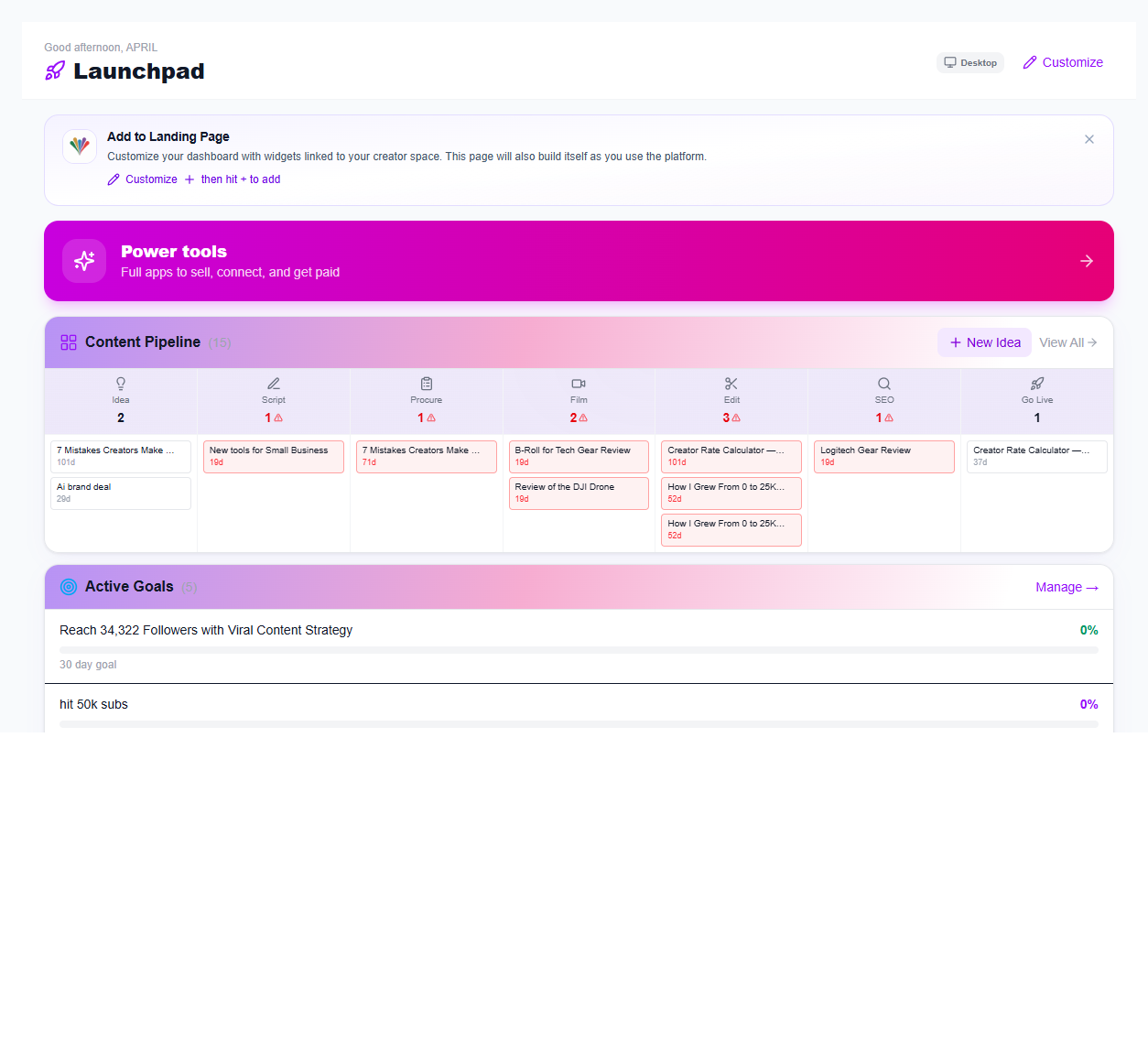
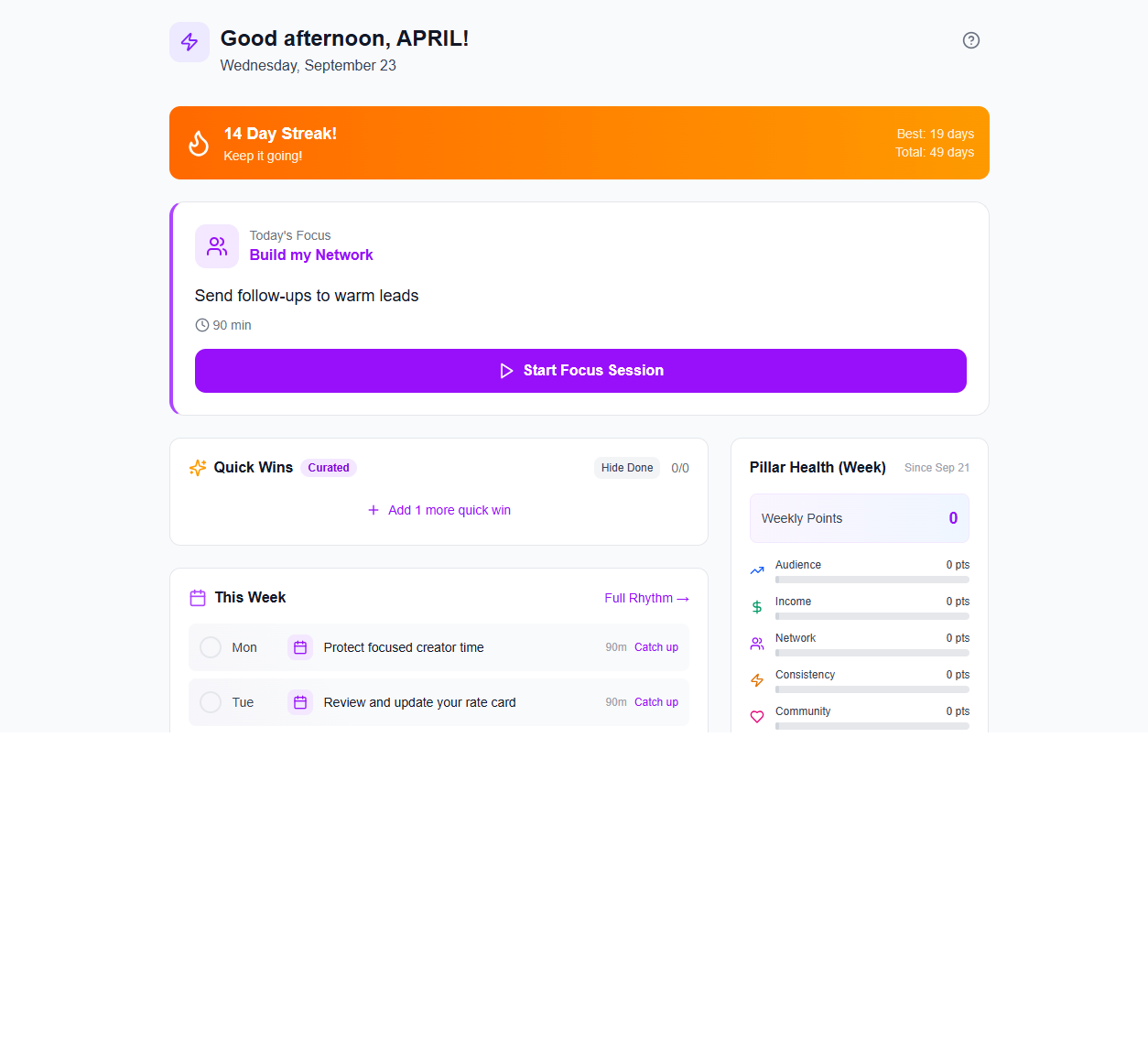
Launchpad in iBuildInfluence

02

Today's Focus

A short list before the day runs away.

Quick wins for today, and pillar health for the week: audience, income, network, consistency, community. Each win has a point value and a time. If you need cash, do the money tasks first. If you only have half an hour, you still know the one thing to do.

Today's Focus in iBuildInfluence

03

Creator Coach

The next move, from where you actually are.

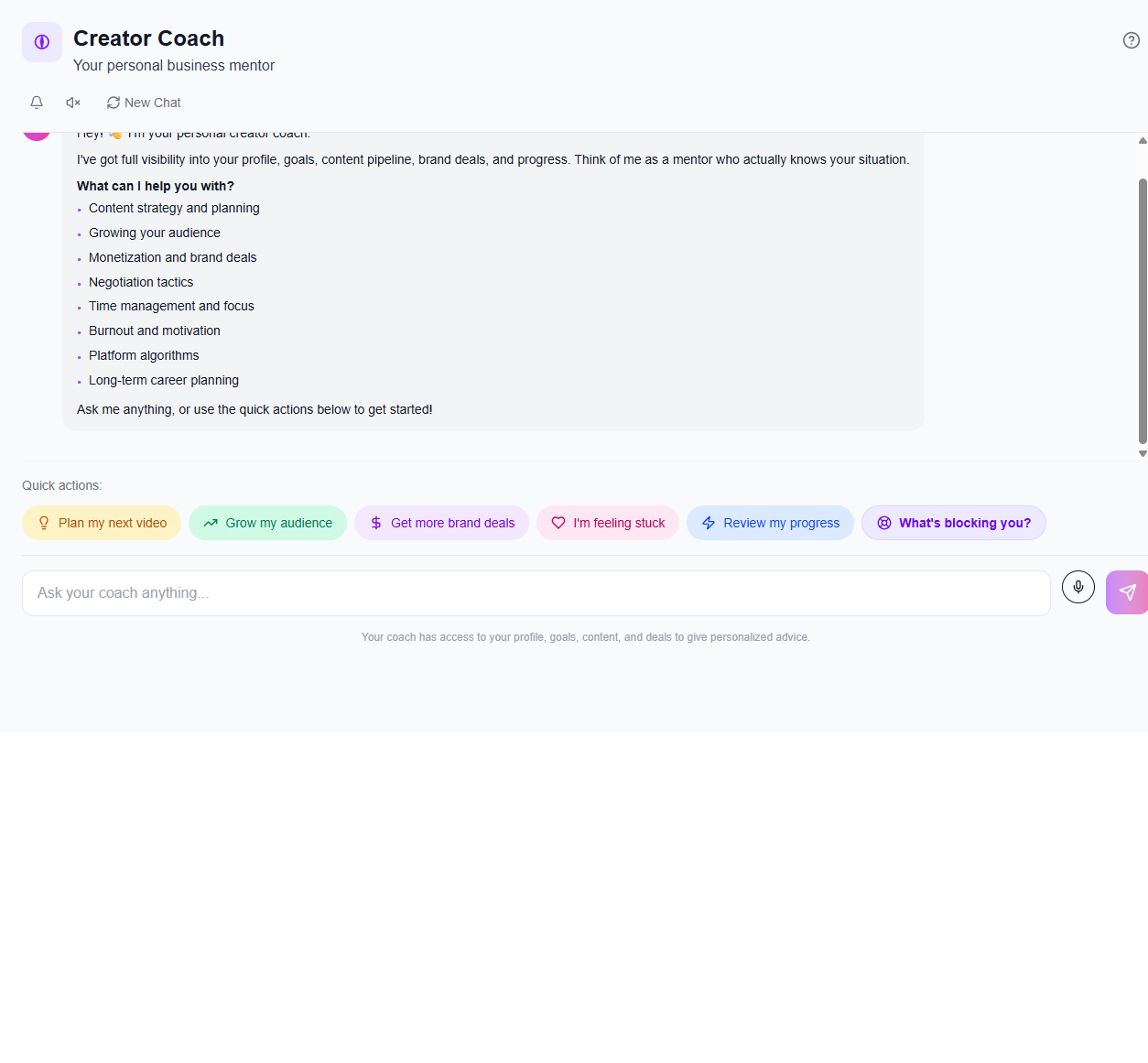
A mentor with your profile, goals, pipeline, and deals in view. Plan the next video, grow the audience, chase a brand deal, or say you are stuck. The answer is about your situation. Ask before you commit the week, and be specific.

Creator Coach in iBuildInfluence

04

Guided Workflows

A finished path you can walk.

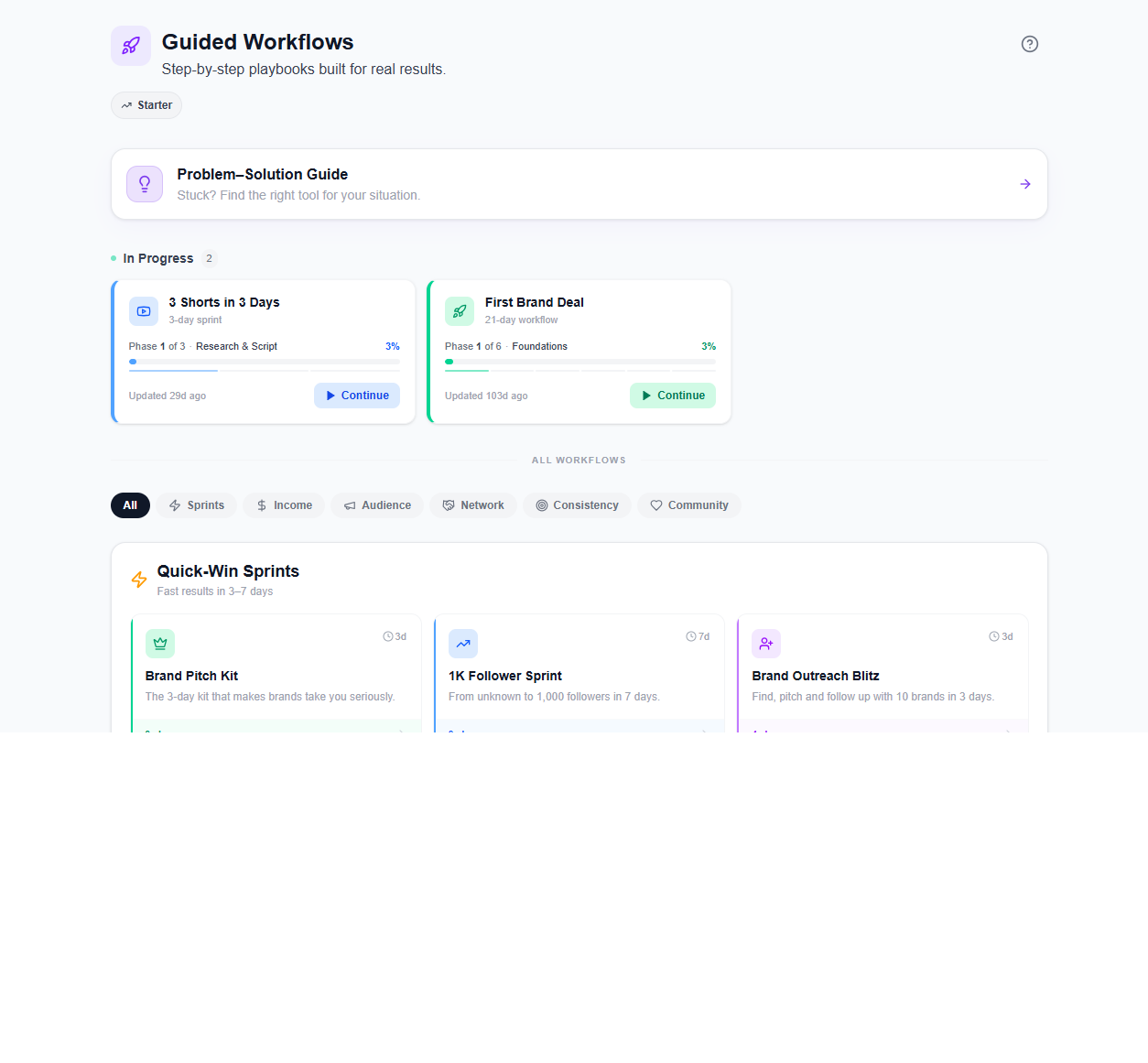
Sprints for this week, and longer playbooks when you are ready. A thousand followers in seven days. Three shorts in three days. A first brand deal over twenty-one days. A rate raise. Each one is phases you check off. Finish one before you start three.

Guided Workflows in iBuildInfluence

05

Goals & Tasks

The number you want, broken into jobs.

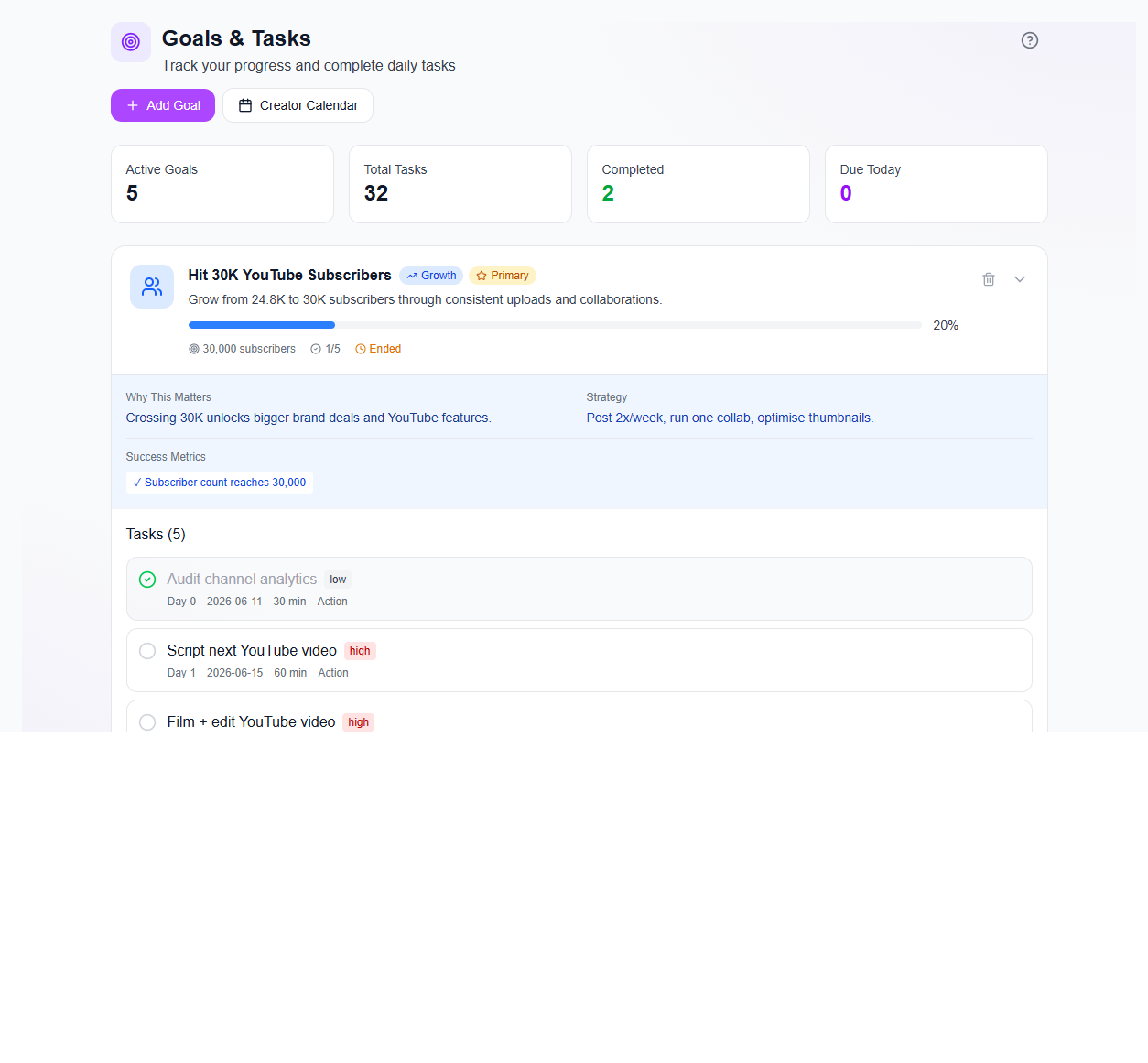
Choose growth, income, or write your own. The goal becomes a plan with tasks, a count of what is done, and what is due today. It ties back to the calendar, so the target and the day it happens live together.

Goals & Tasks in iBuildInfluence

Open it and try the first one.

The tools are as free as they can be. We get paid when you get paid.

Try for free